Messages Nodes
A message's language can be specified for more precise responses. The supported languages include English, Chinese, Japanese, Korean, Malay, Thai, Spanish, Portuguese, Russian, and Vietnamese.
1. Text Node
Displays a simple text message. You can add multiple variations, and the bot will randomly select one to display.
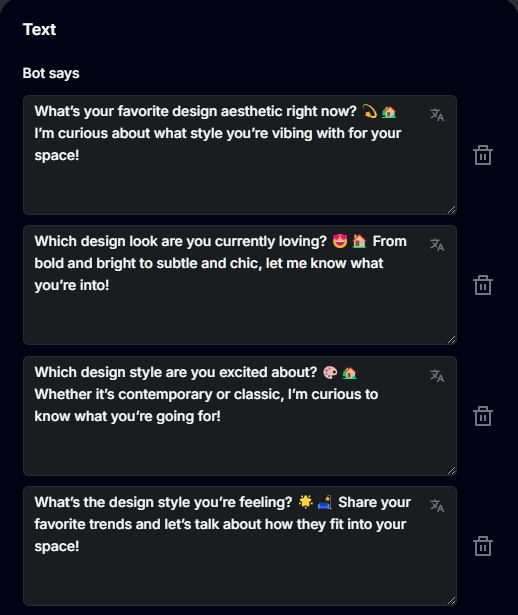
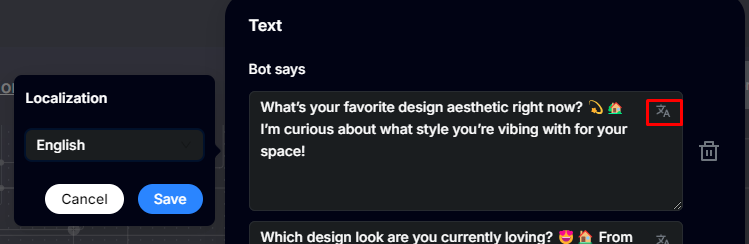
When a text message is entered, the system will automatically detect its language. You can also manually specify the language, ensuring the bot displays messages in the user's preferred language. For example, if the user is speaking English, only the English variations of the message will be randomized and displayed.
2. Carousel Node
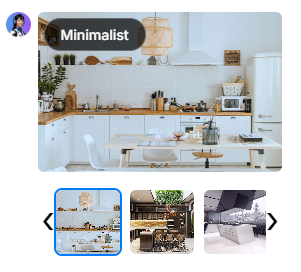
This node type can be used to display a list of images. There are two display modes: Grid and Gallery.
In Grid mode, images are arranged in a grid layout. In Gallery mode, images are displayed as a carousel. On platforms like WhatsApp, Meta Messenger, and others, the carousel will appear as a sequence of images.
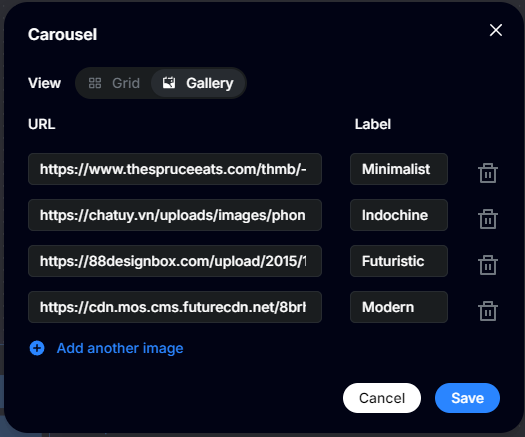
For each image, you can set a label that will be displayed in the corner of the image.